Get 15% off on all annual plans until September 30! Join Texpo as we transform SEO 🚀Learn more
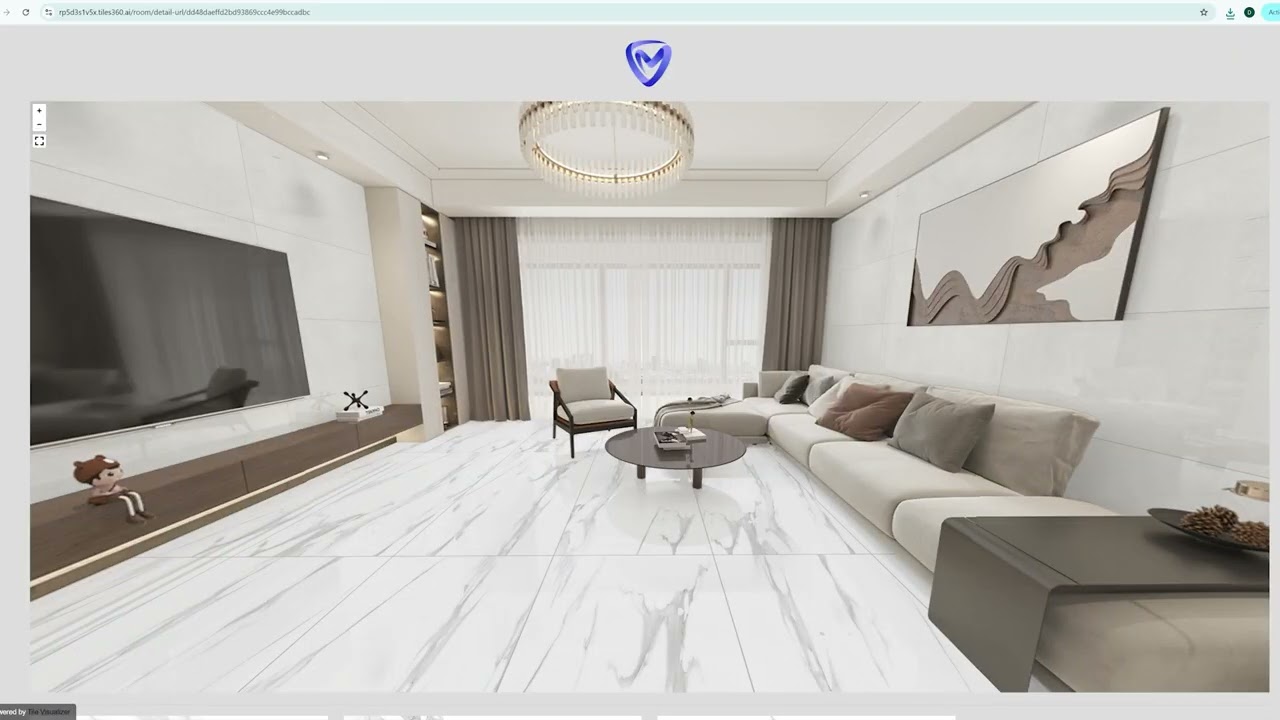
See it before you lay it. Tiles 360 brings every tile to life in your customer's actual space.
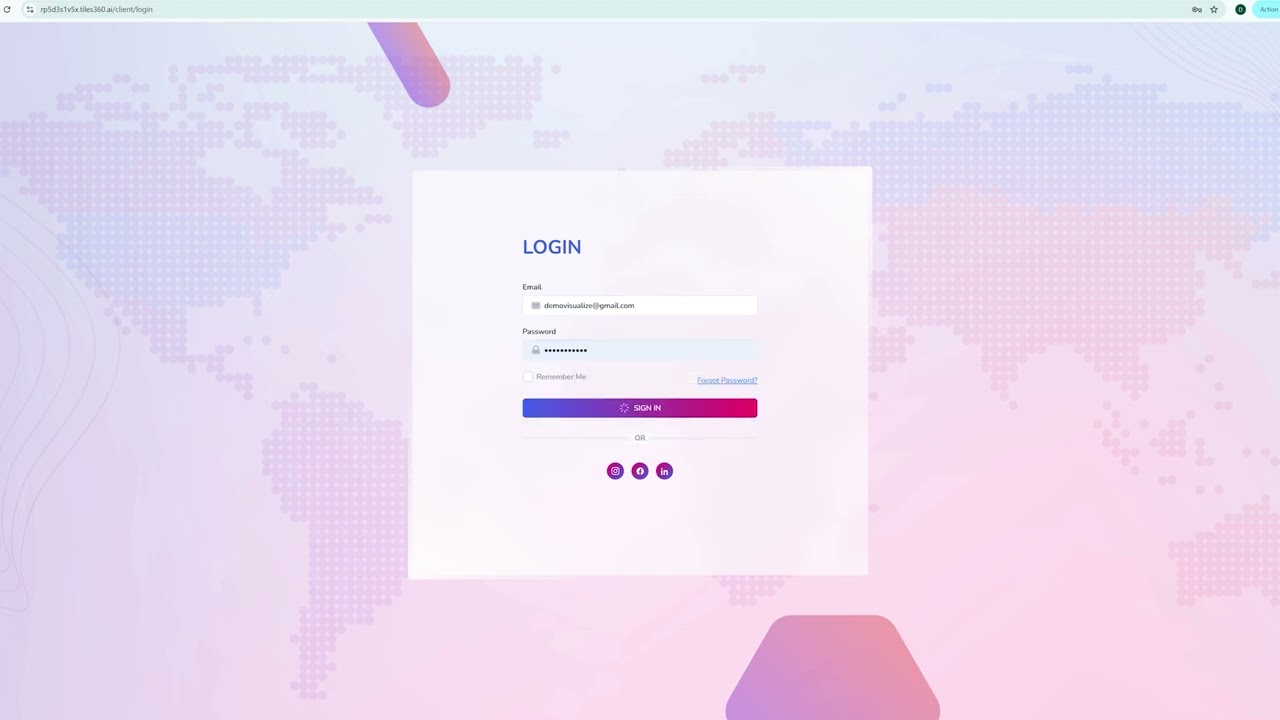
Sign in to Tiles360 and access your dashboard to start using the visualizer tools.
Learn the basics of the CRM dashboard and understand how to begin managing your customer and sales workflow.
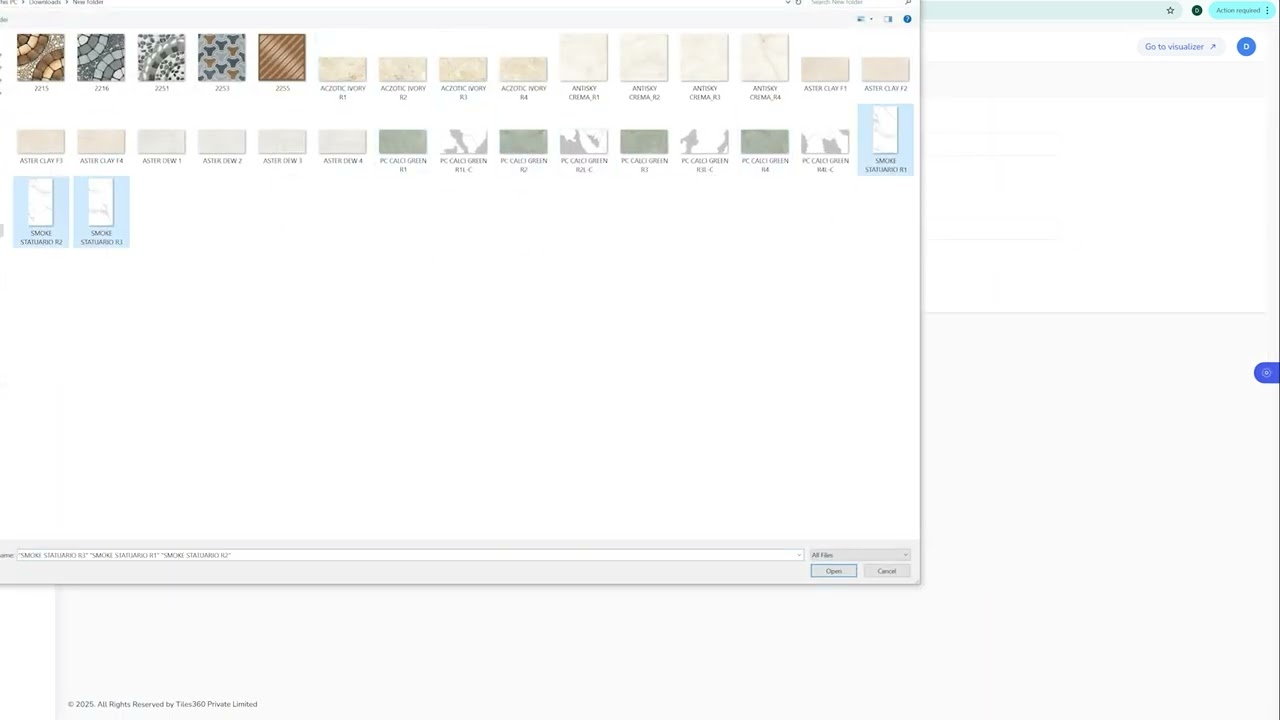
Upload and organize your tile designs so they’re ready to use inside the visualizer.
Add sizes, finishes, carving options, and other product information for accurate visualization.
Learn how to apply tiles, switch surfaces, compare designs, and navigate the visualizer interface.
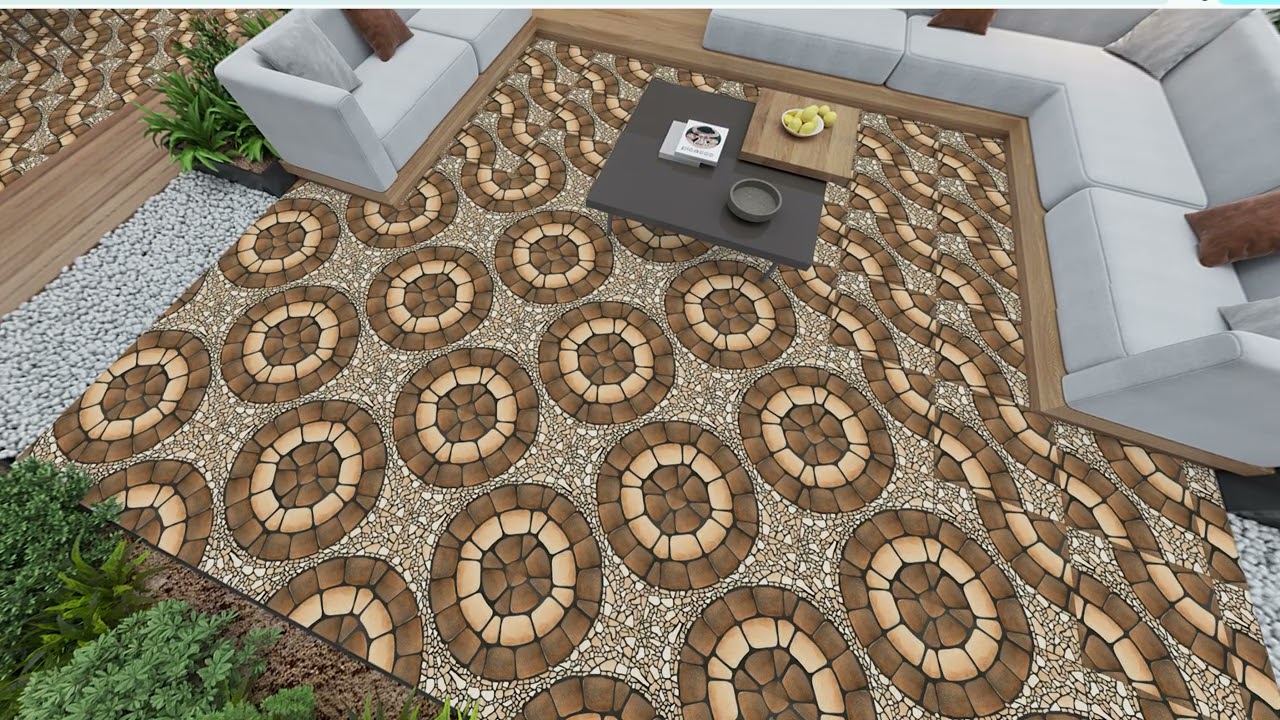
Rotate and position tiles to achieve the right pattern, direction, and overall room appearance.