Get 15% off on all annual plans until September 30! Join Texpo as we transform SEO 🚀
Learn more

2D Tile Visualizer

Preview Tiles in Professionally Designed 2D Rooms

2D

Quick Room Preview

SIMPLE PRODUCT EXPLORATION

Help Customers Compare Tiles More Easily

Give customers a fast and familiar way to compare different tile designs inside realistic room scenes without navigating through a complex 3D environment.

FAST 2D VISUALIZATION

Explore Tile Designs Inside Ready-Made Rooms

Let customers preview different tiles inside professionally designed 2D room scenes, switch between options quickly, and understand how each design changes the overall look.
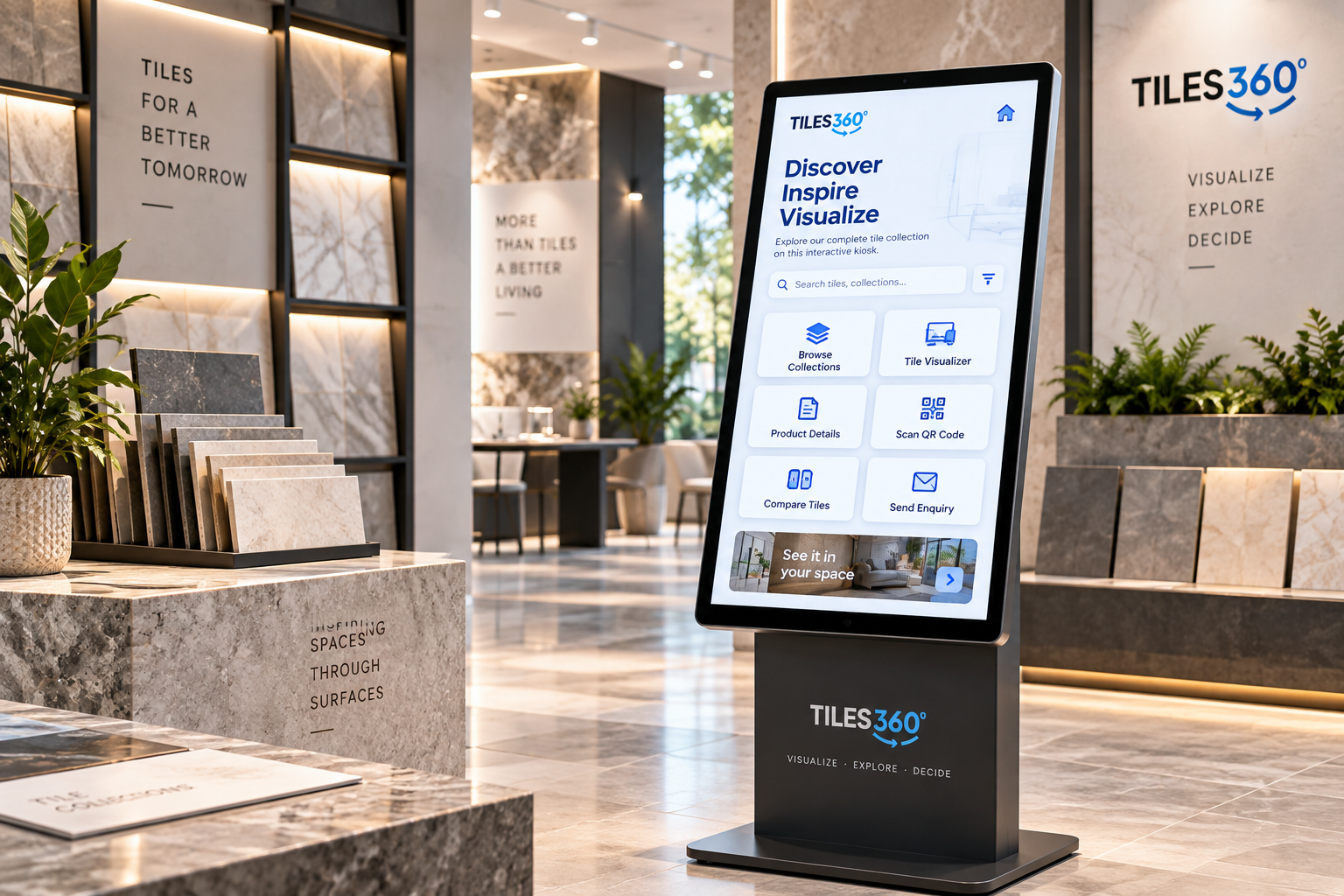
READY-MADE ROOM SCENES

See Different Tile Options in Seconds

Allow customers to choose a room, apply different tiles, compare colors and patterns, and quickly find the design that best suits their style.
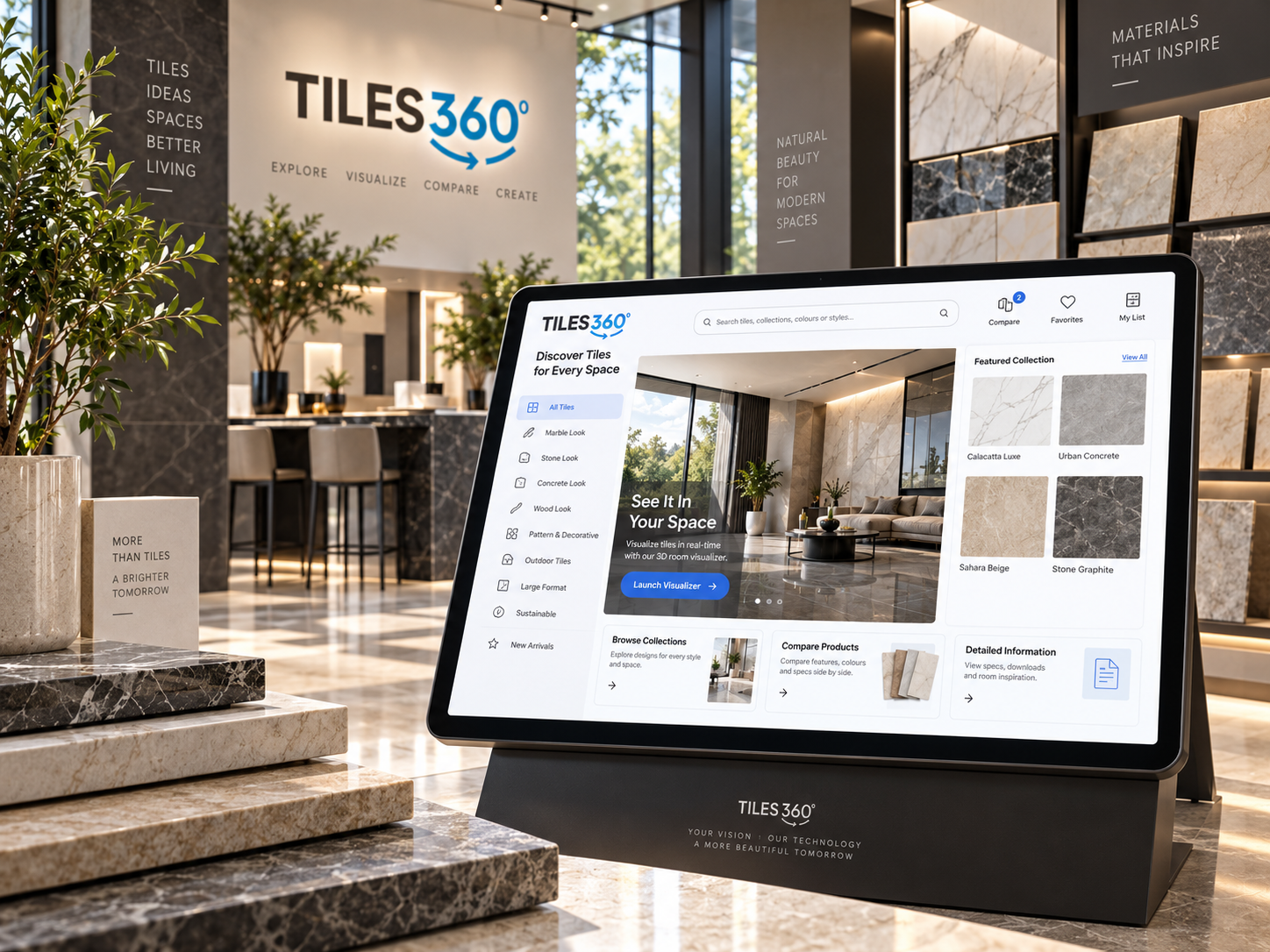
THE CHALLENGE

Product Images Alone Don’t Show How Tiles Fit a Room

Customers often need visual context before choosing a tile. 2D room visualization makes it easier to understand how products may look when applied across a complete space.

No Room Context

Individual product images make it difficult to understand how a tile will look across an entire room.

Too Many Options

Large collections can make it harder for customers to compare colors, patterns, and finishes confidently.

Slower Comparisons

Switching between product pages or physical samples can make the comparison process time-consuming.

Uncertain Choices

Without seeing products inside a room, customers may feel unsure about their final selection.

2D Visualizer Outcomes

Make Tile Comparison Faster and Easier

Tiles360 2D Tile Visualizer gives customers an easy way to preview products inside realistic room scenes and compare different looks before buying.

FAQ'S

Your Questions, Answered!

  • 1 What is the Tiles360 2D Tile Visualizer?

    It is a visualization tool that lets customers preview different tile products inside professionally designed 2D room scenes.

  • 2 How does the 2D Tile Visualizer work?

    Customers select a room scene and apply different tiles to supported surfaces to see how each option changes the overall design.

  • 3 Can customers switch between different tiles?

    Yes. Customers can quickly change products and compare multiple colors, patterns, finishes, and styles.

  • 4 What types of rooms can be used?

    The visualizer can include different room categories such as living rooms, kitchens, bathrooms, bedrooms, and other supported spaces.


  • 5 Can my own tile catalogue be added?

    Yes. Your tile products can be connected to the visualizer so customers can explore your collection inside available room scenes.

  • 6 Is the 2D Visualizer easy to use?

    Yes. The interface is designed for quick product exploration without requiring customers to navigate a 3D environment.

  • 7 Does the 2D Visualizer work on mobile devices?

    The experience can be accessed across supported desktop, tablet, and mobile devices.

  • 8 How can the 2D Visualizer help my tile business?

    It can make product exploration easier, improve customer engagement, increase selection confidence, and support faster buying decisions.